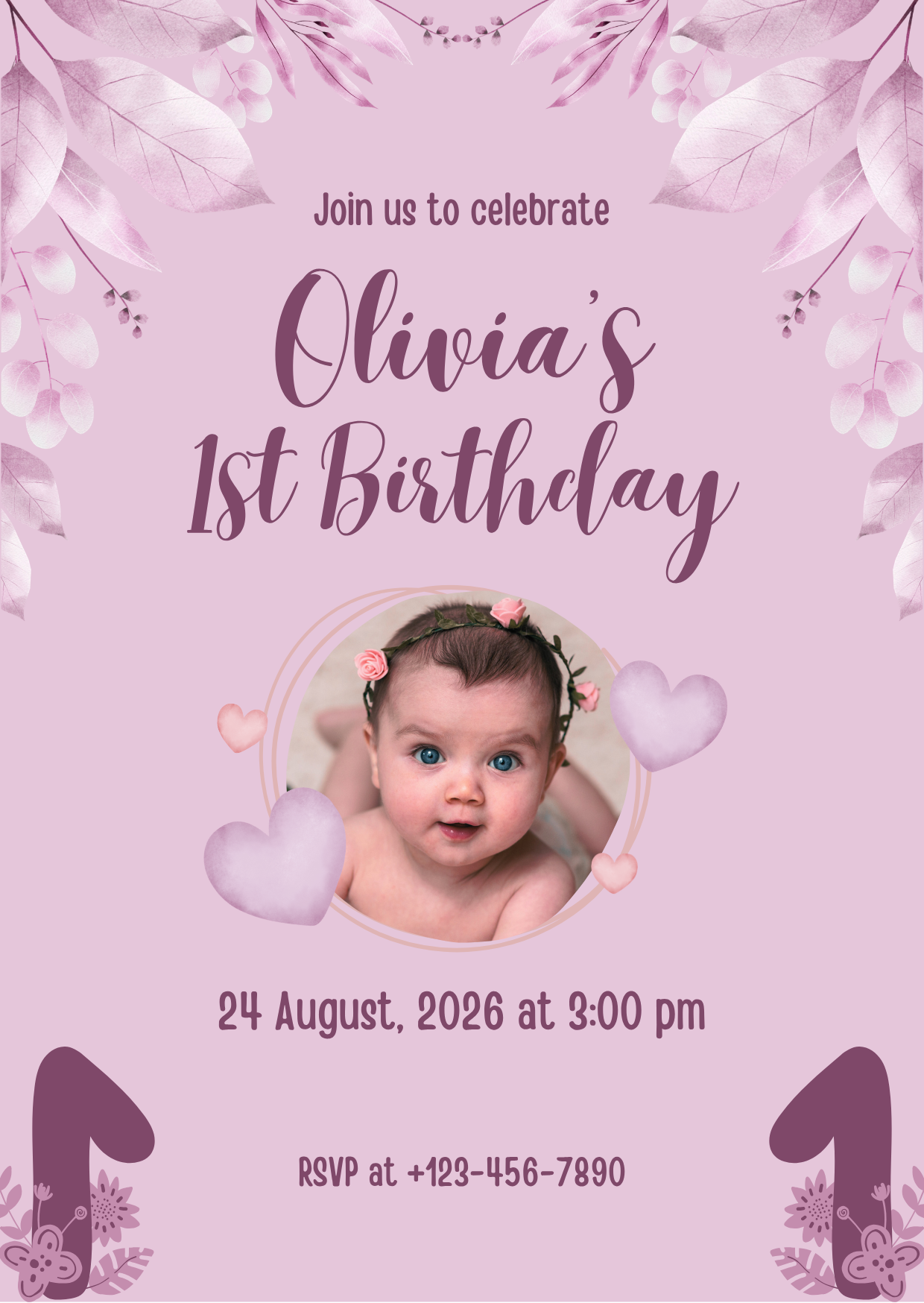
Qoleq quick answer: Parents can collect 1st birthday and baptismal photos by displaying a QR code at the venue. Guests scan, upload from their phones, and every family candid lands in one shared digital gallery you can keep for years.
First birthdays and baptismals are among the most photographed family events in the Philippines. Lolos and lolas, ninongs and ninangs, and relatives from nearby provinces all arrive with phones ready.
The challenge is not a lack of photos—it is getting those candid shots from guests into one place you can revisit, share with family abroad, and preserve long after the celebration ends.
How can I collect photos from guests at a 1st birthday or baptismal?
The easiest way to collect photos from guests at a 1st birthday or baptismal is a QR-linked shared gallery displayed at the venue.
Guests scan the code, upload photos from their phones in the browser, and every image goes to one family-controlled album—no app installs and no confusing folder permissions.
This works for standalone baptismals, combined baptism-and-birthday parties, and simple home celebrations where relatives take turns holding the baby for photos.
Instead of asking everyone to "send later" through Messenger, you capture memories while guests are still at the venue and emotions are fresh.
Practical tip: Set up your gallery before printing invitations so you can include a small QR and short instruction line for early uploads.
1st birthday photo sharing: what parents should prepare
For a 1st birthday celebration, parents usually want candid shots from the cake smash, family group photos, and unscripted moments with cousins and godparents.
Create one event gallery, generate your QR code, and add it to a welcome tarpaulin, dessert table sign, and guest book area.
How does QR photo sharing work for birthday parties? Guests scan once, select photos, upload, and return to the celebration—usually in under a minute.
Browser-based uploads matter for family events where guests range from teenagers to grandparents who may not use photo-sharing apps regularly.
Practical tip: Place one QR near the cake table and one near the entrance so guests who arrive early and late both see the upload prompt.
Baptismal photo sharing for Filipino families
Baptismals often span two locations—a church ceremony and a reception lunch—so photo collection needs to follow the family, not stay at one spot.
Print duplicate QR signage for both venues, or use table cards at the reception for guests who took church photos earlier.
Godparents and extended family often capture tender moments during the rite and reception games that official photographers may not prioritize.
A shared digital event gallery keeps godparent selfies, family portraits, and candid baby reactions together instead of spread across separate group chats.
Practical tip: Ask a ninang or sibling to mention the QR during the reception toast—a warm family voice often gets more uploads than a printed sign alone.
Displaying the QR code and preserving memories after the event
Keep signage simple and readable: "Scan to share your photos with the family—no app needed."
For home parties, tape a laminated QR card near the food table and gift area where guests naturally gather.
For restaurant or venue receptions, coordinate with staff to place a small standee where it will not block walkways.
After the celebration, download your full gallery and store a backup on cloud drive. Qoleq lets families export their event photos so memories are not trapped on individual phones.
Years from now, those guest candid shots—the baby's laugh during clapping games, a lola's embrace, cousins making funny faces—often become the images parents treasure most.
Practical tip: Download and back up your gallery within a week while guests still remember the event and can resend anything that failed to upload.
Detailed implementation guide for Philippine events
For Philippine events, the most consistent way to increase uploads is to convert your photo collection process into a simple guest journey: scan, select, upload, done. Guests are usually willing to share, but they rarely want extra setup while a program is running.
Treat upload reminders the same way you treat program cues for entrances, speeches, and games. A reminder works better when attached to a moment, such as after family portraits, before dinner, or after a major performance.
Use language that matches your crowd. In many celebrations, a short bilingual line improves response because both younger and older guests understand the instruction right away.
Placement strategy matters more than design polish. Several visible QR touchpoints in high-traffic zones usually outperform one premium sign in a low-traffic corner.
Assign one person to monitor the upload flow during the event and coordinate with the host or emcee if reminder timing needs adjustment.
If you are running live display, decide in advance whether you want continuous projection or scheduled windows to balance energy and program focus.
After the event, export and back up quickly so your gallery stays complete and easy to share with family, teams, or editors.
Once this process is documented, future events become easier to run and produce more reliable guest photo coverage.
Celebrating your child's 1st birthday or baptismal? Create one QR gallery, invite family and guests to upload, and keep every candid memory in one warm, lasting archive. Create your event on Qoleq.