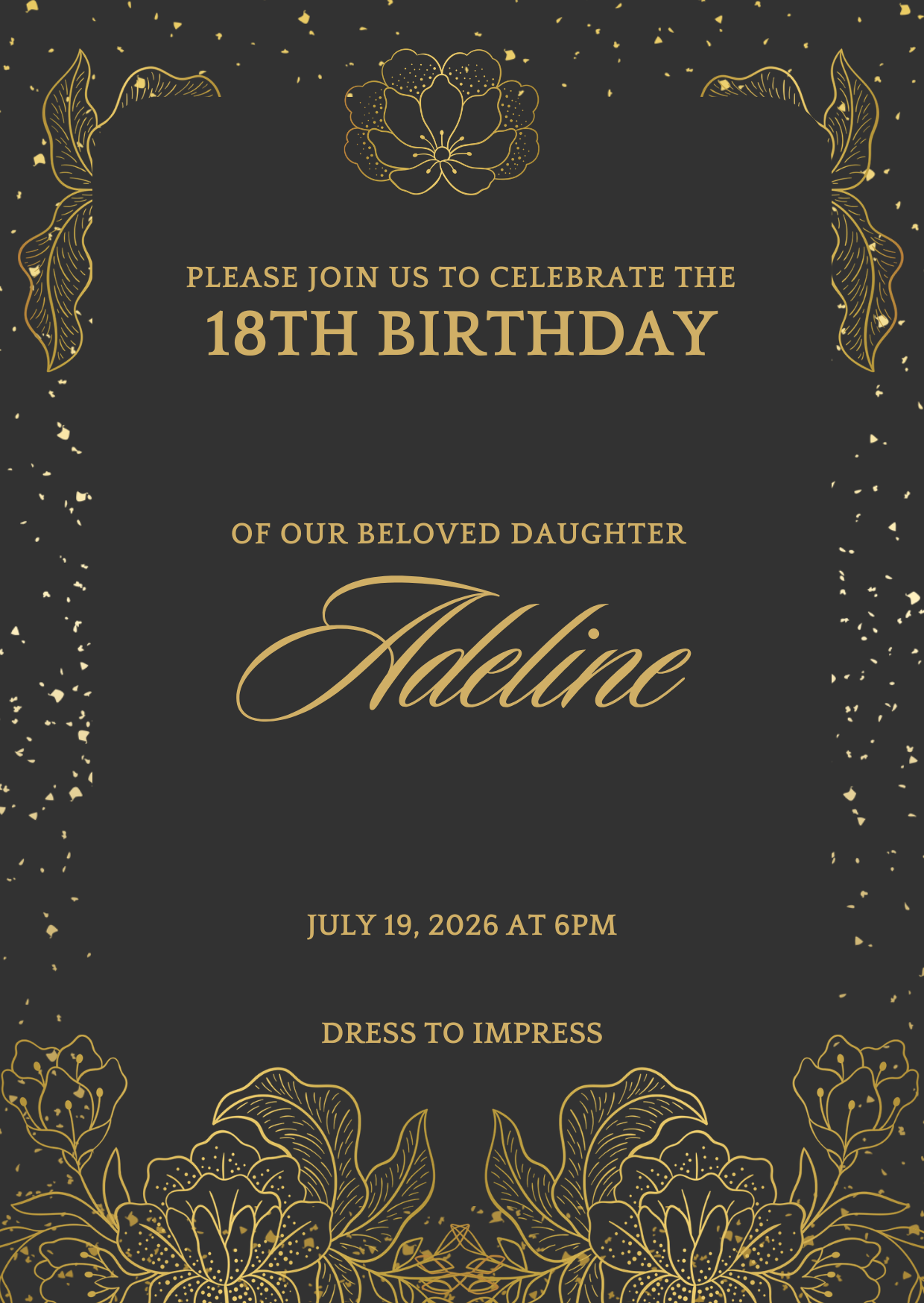
Qoleq quick answer: Debut photo sharing with a QR code gives guests one link to upload candid shots from their phones during the program. Scan, upload, and every photo lands in a shared event gallery the family can view live or download after the celebration.
A Filipino debut is built on moments guests capture on their phones—18 roses, 18 candles, the father-daughter dance, and spontaneous barkada photos on the dance floor.
Yet most families still end up chasing photos through Messenger, Instagram DMs, and Viber folders days after the party. A debut QR code for guest uploads solves this when you set it up before invitations go out.
How can guests share photos at a debut?
The easiest way to collect guest photos at a debut is a shared digital gallery linked to a QR code displayed at the venue.
Guests scan the code with their phone, open the upload page in their browser, and submit photos from their camera roll—no app download and no account sign-up required.
Every upload goes to one event gallery the family controls, instead of being scattered across individual chats.
The same approach works for other milestone celebrations: sweet 16 parties, significant birthdays, graduation dinners, and corporate debut-style events where guests are actively taking photos.
Practical tip: Print the QR on invitations and table cards so guests know where to upload before the program even starts.
How debut QR photo sharing works step by step
How does QR photo sharing work at a debut? Treat it as a simple guest journey with five steps.
1. Create your debut event and generate a QR code.
2. Print the code on standees, table cards, and your welcome board.
3. Guests scan during high-energy segments when phones are already out.
4. They upload candid shots, group photos, and reaction images.
5. Photos appear in your shared gallery for live viewing or post-event download.
With Qoleq, families can also use Photo Mission prompts to encourage themed uploads—like one photo during 18 roses or one barkada shot during open dancing.
Practical tip: Do a scan test from the dance floor and back tables before guests arrive to confirm Wi‑Fi and mobile signal are strong enough.
Capturing candid moments during the debut reception
Debut programs move quickly. The best candid photos often happen between formal segments—guests laughing at the emcee, cousins posing during cocktail hour, or friends recording the 18 roses walk.
Photo sharing during the debut reception works best when reminders match these peaks. Ask your emcee for one line after 18 roses and another before open dancing.
Specific prompts outperform generic requests. Try: "Upload your best candid from 18 roses" or "Share one group table photo before cake cutting."
Bilingual reminders help mixed-age crowds: English for clarity, Tagalog for warmth and familiarity.
Practical tip: Pre-write two emcee scripts and share them during your final rehearsal so timing feels natural, not rushed.
Ideas for displaying the QR code and boosting participation
Place QR codes where guests naturally pause: the registration table, beside the stage, and on every dining table.
In large venues across Manila, Cebu, or Davao, duplicate signage on both sides of the dance floor so no one walks far to find a code.
A live screen showing recent uploads creates social proof—when guests see their photos appear, nearby tables tend to contribute too.
For families who want more engagement, Photo Bingo can turn uploads into a light game without slowing down the formal program.
After the debut, export one complete gallery archive instead of collecting compressed files from dozens of guests. Relatives abroad especially appreciate a single organized link.
Practical tip: Assign one cousin or coordinator to monitor QR visibility mid-event—centerpieces and décor often block table cards after guests sit down.
Detailed debut celebration rollout guide
For debut celebrations, sync upload reminders with high-participation segments like 18 roses, 18 candles, and group dances. Guests are already taking photos during these moments, which makes upload prompts timely and natural.
Place one QR standee near the entrance and add table cards so young guests and family members can scan instantly. Multi-point visibility helps when the venue has several activity zones.
Ask the emcee to use short energetic prompts that match debut flow, such as 'upload your best barkada shot now.' This style usually performs better than formal announcements.
Encourage themed uploads by segment, like one formal photo and one candid reaction. Clear prompts guide guests and reduce repetitive content.
If you run a live screen, display uploads after each major segment to keep excitement high. Guests enjoy seeing their photos appear and tend to contribute again.
Assign one helper to monitor visibility of QR cards on tables because decorations and centerpieces can block placement mid-event.
Set a simple backup process immediately after the celebration so the family has one complete archive while memories are fresh.
With this structure, debut hosts can preserve both formal highlights and spontaneous moments without relying on post-event follow-ups.
Hosting an 18th birthday debut or milestone celebration? Use one debut QR code, timed emcee prompts, and a shared gallery so every candid moment stays in one place. Create your event on Qoleq.