Qoleq quick answer: For most live events, dedicated QR galleries outperform chat threads because they reduce upload steps and keep all photos in one organized destination.
When planning event photo collection, most hosts compare convenience tools they already use: Messenger groups, Telegram channels, or shared Google Photos albums.
These tools are familiar, but familiarity is not the same as high participation during live events.
Why chat tools lose uploads during busy programs
Messenger is easy for pre-event updates, yet photo uploads get buried fast in active conversations.
Guests scroll through messages, miss the upload request, and photos are scattered across threads and personal chats.
Telegram offers cleaner media view than Messenger, but still requires guests to join and understand channel flow before uploading.
Practical tip: If you still use chat for coordination, pin one message that routes all photo uploads to your QR gallery link.
Where account friction blocks participation
For mixed audiences with older relatives and non-tech attendees, every extra step lowers completion rate.
Google Photos gives good storage and organization, but account prompts and folder permission friction can block quick event participation.
If your audience includes guests without configured Google accounts, uploads may stall immediately.
Practical tip: Test the upload flow with one older relative before event day to check for hidden friction.
What dedicated QR galleries do better
A dedicated QR code photo sharing Philippines workflow removes most of these blockers.
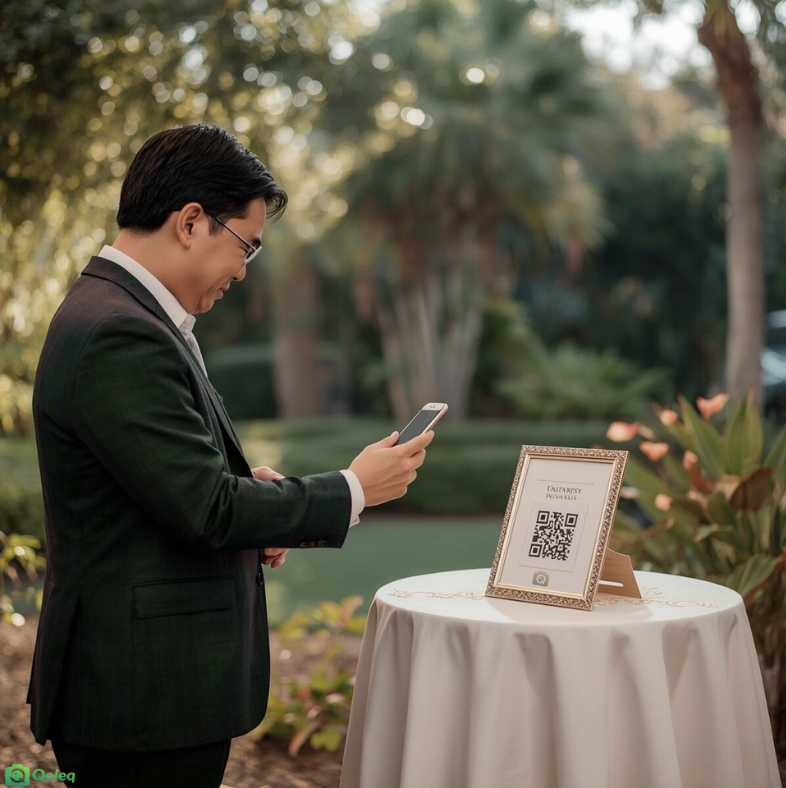
Guests scan once, upload in browser, and move on, with no app install and no new account required.
Dedicated galleries also present uploads in one unified feed, so hosts can review moments by timeline instead of searching multiple chat threads.
Practical tip: Display the QR code in at least three physical spots and include it in your opening slide.
Use a hybrid flow for best results
For corporate event photo sharing Philippines setups, this matters because organizers need post-event reporting and centralized assets for marketing teams.
Use chat tools for coordination, but use a dedicated upload gallery for actual memory collection.
A practical hybrid approach is: send instructions in Messenger, then route all uploads to one QR gallery link.
Practical tip: During the event, post one reminder in chat every major segment with the same QR upload link to keep behavior consistent.
Detailed corporate event rollout guide for the Philippines
For corporate events, define photo objectives before the program: internal documentation, employer branding, or social media recaps. Clear goals help you decide where to place QR prompts and what types of uploads to encourage.
Display the upload QR in keynote slides, registration booths, and networking zones. Business events move quickly, so repeated visibility ensures attendees can join at different times.
Assign one operations owner to coordinate reminders with the host and event team. This role should monitor upload momentum and trigger reminders before key milestones like panel sessions or award segments.
Use prompt-based asks such as 'upload one team photo' or 'upload one learning moment slide.' Specific prompts help attendees contribute useful content instead of random duplicates.
If your team needs brand-safe content, apply moderation guidelines before event start and brief the operator on approval criteria. This prevents last-minute review pressure after the event ends.
For multi-city teams in Manila, Cebu, or Davao, keep the same upload flow across locations so reporting and archives are consistent. Standardized process reduces confusion for recurring participants.
After the event, export and organize files by session or segment for easier internal reuse. This improves handoff to marketing, HR, and leadership communications.
A repeatable QR upload workflow gives corporate organizers faster recap turnaround and less time collecting scattered media from chat threads.
If your goal is complete and organized coverage, choose the workflow with the fewest steps from scan to upload. Create your event on Qoleq.