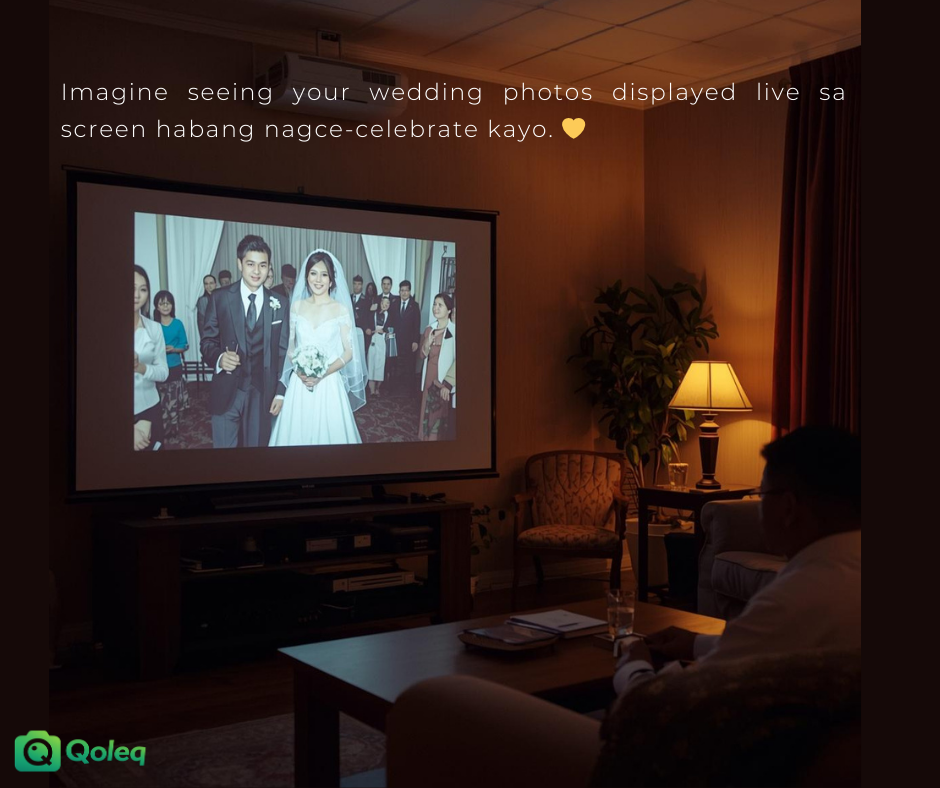
Qoleq quick answer: Live slideshow works best when paired with reliable internet, visible QR signs, and scheduled emcee prompts that tell guests exactly when to upload.
A live wedding slideshow can transform guest behavior when it is treated as part of the program, not just background decor.
The core value is immediate feedback: guests upload and quickly see results on the venue screen.
Know when live slideshow adds real value
That visible loop encourages participation because people feel their contribution matters in real time.
For wedding photo sharing Philippines receptions, this is useful when guests are active on mobile and enjoy seeing candid moments instantly.
The biggest pro is coverage breadth: you get table-level angles, barkada reactions, and behind-the-scenes shots that photographers cannot capture everywhere at once.
Practical tip: If guest energy is quiet, launch slideshow after one high-emotion segment to stimulate uploads.
Prepare for technical and content risks
The main con is setup discipline. If your internet is unstable, screen output can lag, so test venue Wi-Fi and prepare a backup hotspot before the program starts.
Another con is content control. For events that need tighter filtering, use moderation or pre-approval so only suitable photos appear on the public screen.
A practical setup checklist is: tested display connection, visible QR signage, one coordinator assigned to monitor uploads, and one scripted emcee reminder every major segment.
Practical tip: Do a full dry run on-site 1 to 2 hours before guests arrive, including upload, moderation, and screen display.
Place QR codes where guests naturally pause
In Cebu and Davao weddings, this checklist often prevents most technical issues because everyone knows their role before guests arrive.
Place the upload QR where guests naturally pause, such as reception entrance, photobooth area, and dining sections.
Avoid placing the only QR near the stage where guests cannot approach during speeches.
Practical tip: Use table cards plus one large entrance standee so both seated and moving guests can scan easily.
Run slideshow by schedule, not by chance
Also define slideshow timing. Some couples prefer continuous display, while others run it only after ceremony highlights and before open dance to reduce distractions.
If you want balance, schedule slideshow windows and announce them clearly.
This gives guests a reason to upload now, not later when they might forget.
Practical tip: Pick two 20- to 30-minute slideshow windows and mention both in the emcee script.
Detailed wedding rollout guide for Philippine hosts
For weddings, align your upload strategy with emotional moments when guests are already taking photos, such as ceremony exit, couple entrance, and first dance. Asking during these peaks improves response because guests already have fresh images to share.
Coordinate with your emcee to insert short upload cues in the run sheet. One line every major segment usually performs better than one long explanation at the beginning of the reception.
Use table cards with QR codes so relatives and barkada groups can scan without standing up. This is especially useful in large venues where one main standee may not be visible from all seating zones.
If you have a same-day editor or content team, assign one person to monitor the guest feed and flag standout uploads. This helps couples see meaningful moments quickly and keeps engagement high.
For church plus reception workflows, display one QR at venue transfer points so guests who missed the first reminder can still join. Transfer windows are often overlooked but can produce strong upload volume.
Create one practical prompt at each timeline stage, such as 'upload one family table photo before dinner' or 'upload one best candid after speeches.' Specific prompts improve action more than generic reminders.
Keep your post-event process ready before the program starts. Define who exports the archive, where files are backed up, and which family group receives the first link to avoid delays.
When wedding hosts repeat this process consistently, they collect broader emotional coverage across generations and reduce the usual post-event chase for missing phone photos.
When setup and timing are intentional, live display becomes one of the easiest ways to increase guest uploads without adding friction. Create your event on Qoleq.